
Template
Free SWMS Checklist for Australian Builders and Contractors
A practical SWMS checklist covering task details, hazards, controls, permits, PPE, review, sign-on and records — designed for Australian construction teams.
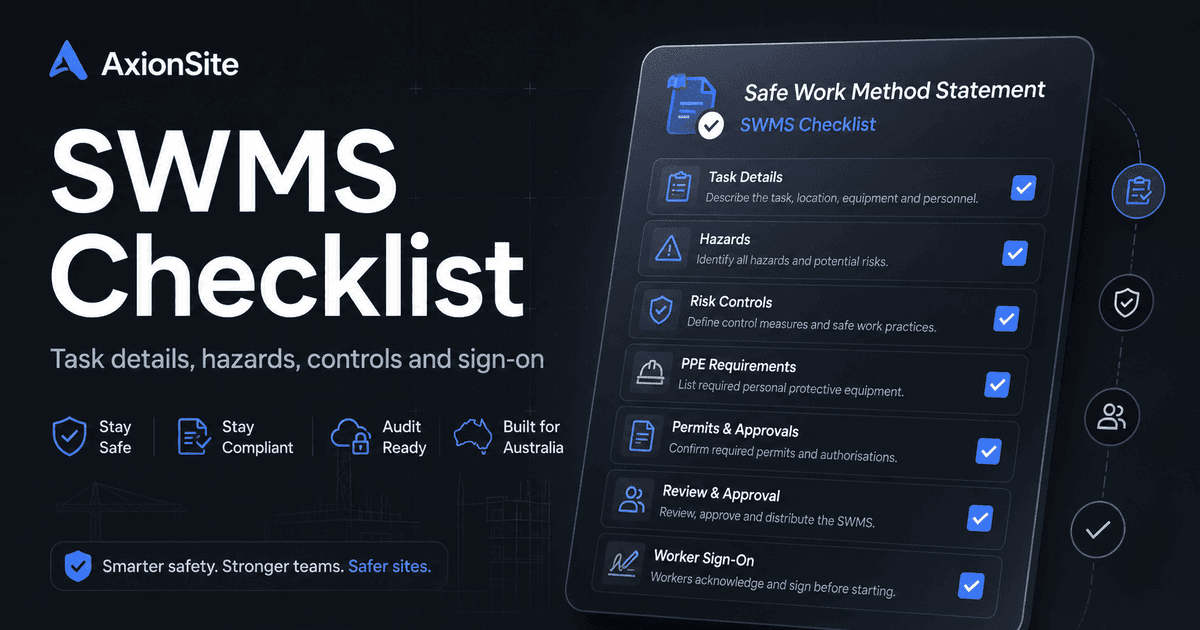
Download a printable copy
PDF for toolbox or site records, Word for adapting fields to your IMS or client requirements.
Complete the security check to enable downloads.
Use this checklist when preparing or reviewing a Safe Work Method Statement for high-risk construction work. It mirrors the kind of fields serious teams track in software: task context, hazards and controls, plant, permits, PPE, approvals and worker acknowledgement. Tick items as you verify them — it is a discipline aid, not a legal sign-off.
Who this helps
Site supervisors, SWMS reviewers, WHS coordinators and subcontractors who need a consistent verification pass before work starts or after conditions change.
What this checklist is for
The aim is to help a reviewer ask the right questions before a SWMS is accepted for use: is the activity clearly described, are the high-risk construction work triggers named, are controls specific to the site, and is there a practical way to prove workers were briefed on the current revision?
How to use it
Treat each section as a review prompt, not a tick-box substitute for judgement. Add project-specific permit rules, client conditions and regulator requirements where they apply. If the task, plant, crew, location or sequence changes, revisit the SWMS rather than relying on an old sign-on record.
Before work starts
Use the checklist before the first pre-start or toolbox briefing. Confirm the task appears to require a SWMS, the person or business carrying out the work has prepared or supplied the document, the principal contractor has obtained it where relevant, and the people who will do the work have had a real chance to understand and query the controls.
Task / activity details
- Clear description of work scope, location and sequence (what, where, when).
- People involved and roles — including subcontractors if relevant.
- Site constraints: access, traffic, weather sensitivities, adjacent work.
- Reviewer has confirmed the SWMS matches the actual site and task before work starts.
Hazards and risks
- Task-specific hazards named (not generic bullets copied from old jobs).
- Residual risk level and rationale for why controls are adequate.
- Links to high-risk construction work categories that trigger regulatory duties in your jurisdiction.
- High-risk construction work categories have been ticked/confirmed, or marked not applicable with a reason.
Control measures
- Hierarchy of controls reflected — elimination/substitution considered before administrative/PPE-only fixes.
- Plant and isolation tasks called out with verification (e.g. lockout where relevant).
- Emergency and rescue considerations for the task (proportionate to risk).
- Controls describe how they will be implemented and checked, not only what the desired outcome is.
Plant / equipment
- Competent operators and licences where required.
- Inspection/pre-start where your procedure requires it.
- Exclusion zones, spotters or traffic management where plant interacts with people.
Permits and high-risk construction work
- Permits identified (hot work, confined space, etc.) align to site rules and WHS law in your state.
- Authorisations and handbacks documented if your site uses permit-to-work.
- Permit numbers, approvers and expiry/handback times are recorded where applicable.
PPE
- PPE specified is necessary, not a substitute for higher-order controls.
- Compatibility with other controls (e.g. RPE fit, arc-rated gear).
Review / approval
- Named reviewers appropriate to the task and organisational policy.
- Decisions and changes captured with dates — especially after incidents or scope changes.
- Review triggers are clear: changed conditions, changed controls, new plant, new subcontractors, incidents, near misses or inspection failures.
- Accepted / rejected / revise decision is recorded with reviewer name and date.
Worker sign-on
- Workers briefed on current revision (not an older PDF on USB).
- Sign-on or acknowledgement records retrievable for the job and shift if your PCBU requires it.
- Consultation or briefing notes show workers had a practical chance to understand and raise concerns.
- Each worker has ticked/acknowledged they understand the controls, stop-work triggers and emergency steps.
Implementation / monitoring
- Supervisor checks confirm the work is being carried out in accordance with the accepted SWMS.
- Stop-work pathway is understood if a control is missing, impractical or not followed.
- Inspection, hazard or incident findings feed back into SWMS review where relevant.
Record keeping
- Master copy location, version number, and how field copies are sourced.
- Associated photos, permits and training records filed consistently.
During the work
Supervisors should compare the job in front of them with the accepted SWMS. If workers cannot follow a control, if the work area changes, if plant or subcontractors change, or if an incident, near miss or serious hazard is identified, stop and review the method rather than treating the checklist as a static filing exercise.
Best-practice notes
Consult workers who will do the job; verify controls against the actual site walk; update the SWMS when the task changes. Software like AxionSite supports versioning and sign-on — but competent human judgement still governs whether the SWMS is suitable.
Buying context: SWMS software Australia guide.