
AI JHA/JSA Generator
Enter job details and generate an OSHA-aligned draft for competent review, edit, and save.
United States JHA/JSA workflow
AI job hazard analysis and job safety analysis software for United States construction teams. Generate federal and state OSHA-aligned JHA/JSA drafts, toolbox talks, QR crew acknowledgement, PDF export, and a complete audit trail in one workflow.
How it works
From draft to documented acknowledgement
OSHA-aligned draft language for competent review. AxionSite does not provide legal or safety advice and does not guarantee compliance. Review and adapt all drafts before use.
AxionSite is built for supers, safety leads, and crews doing real pre-task planning, toolbox talks, and QR acknowledgement in the field.
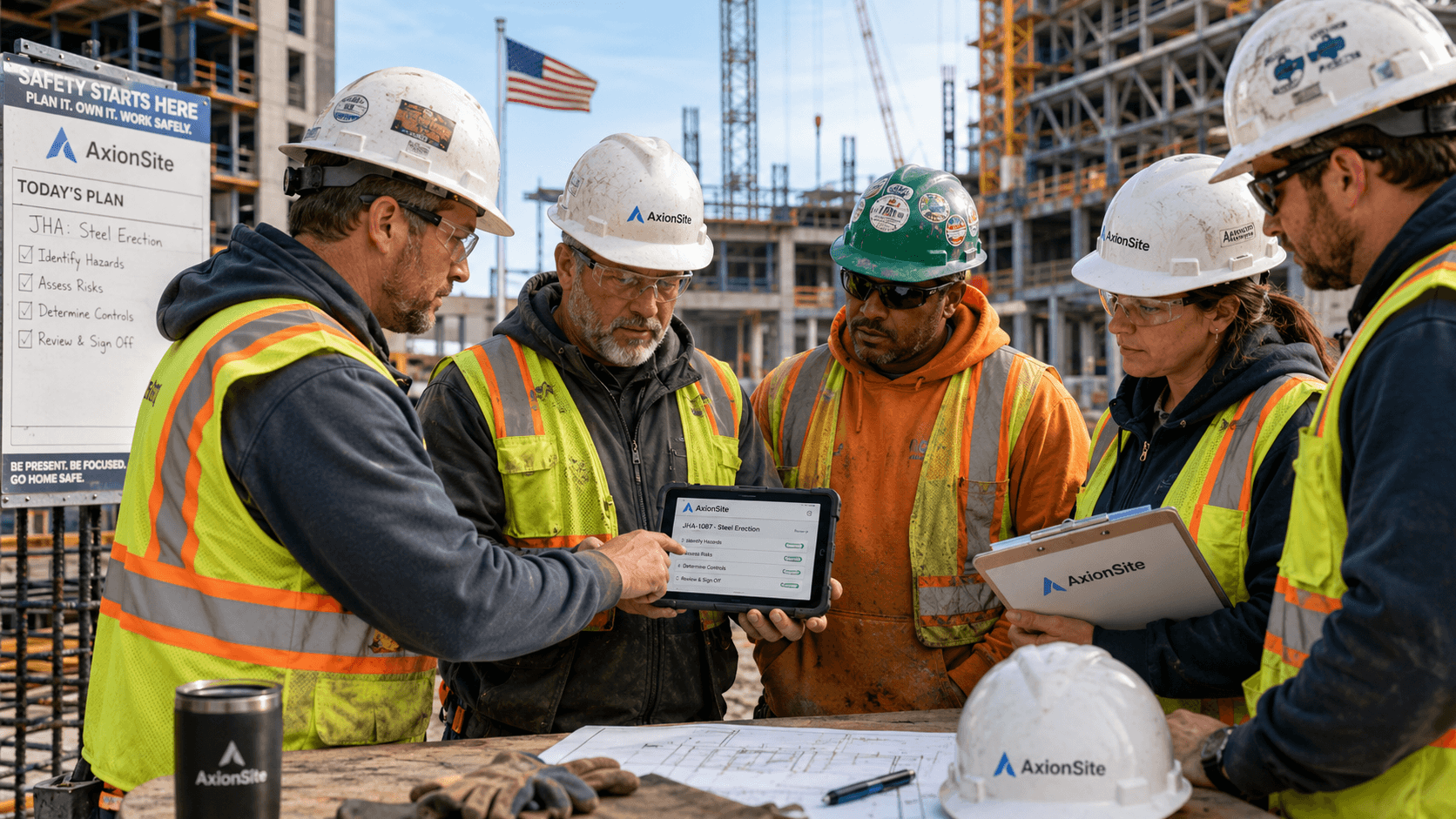
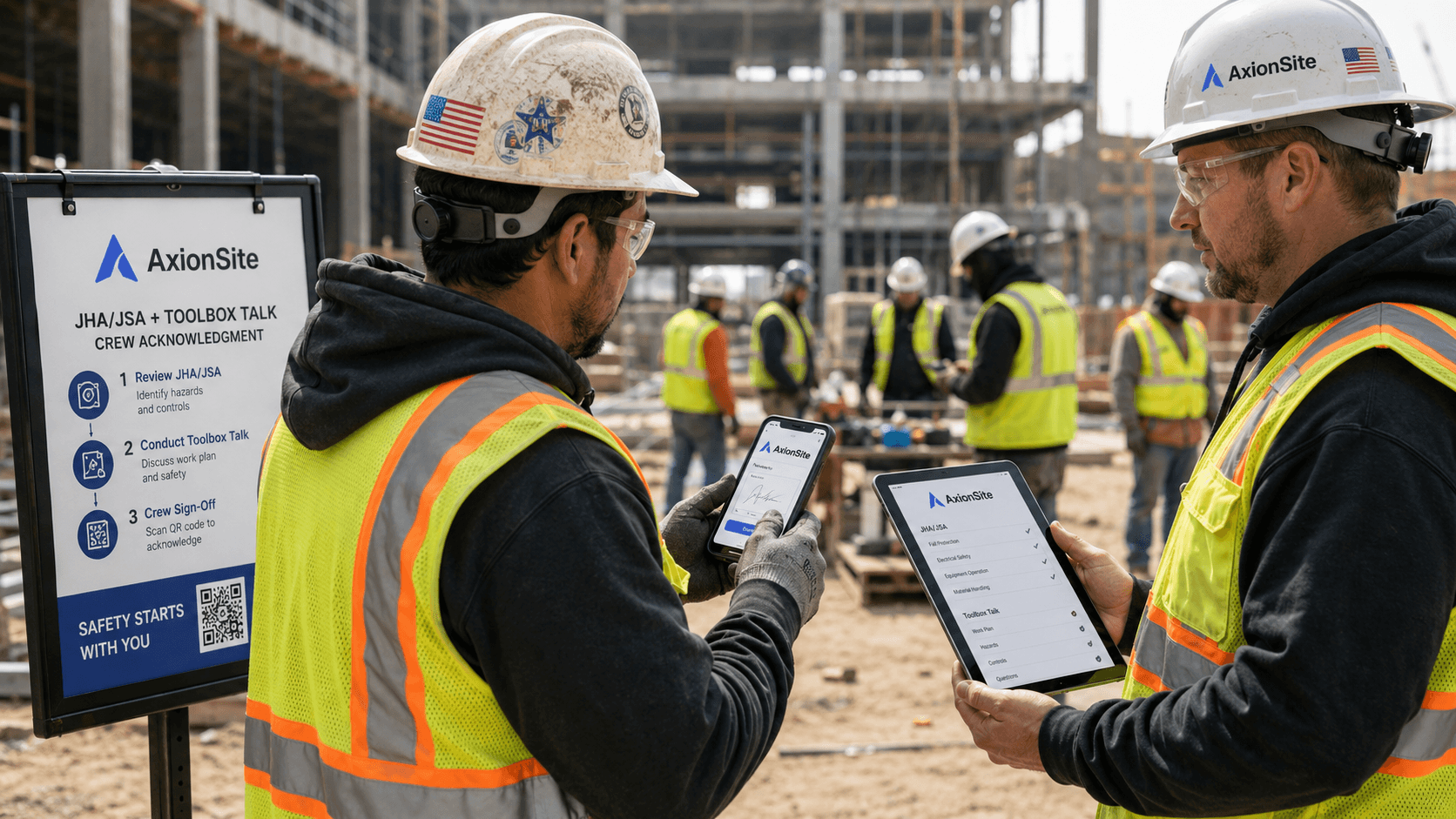
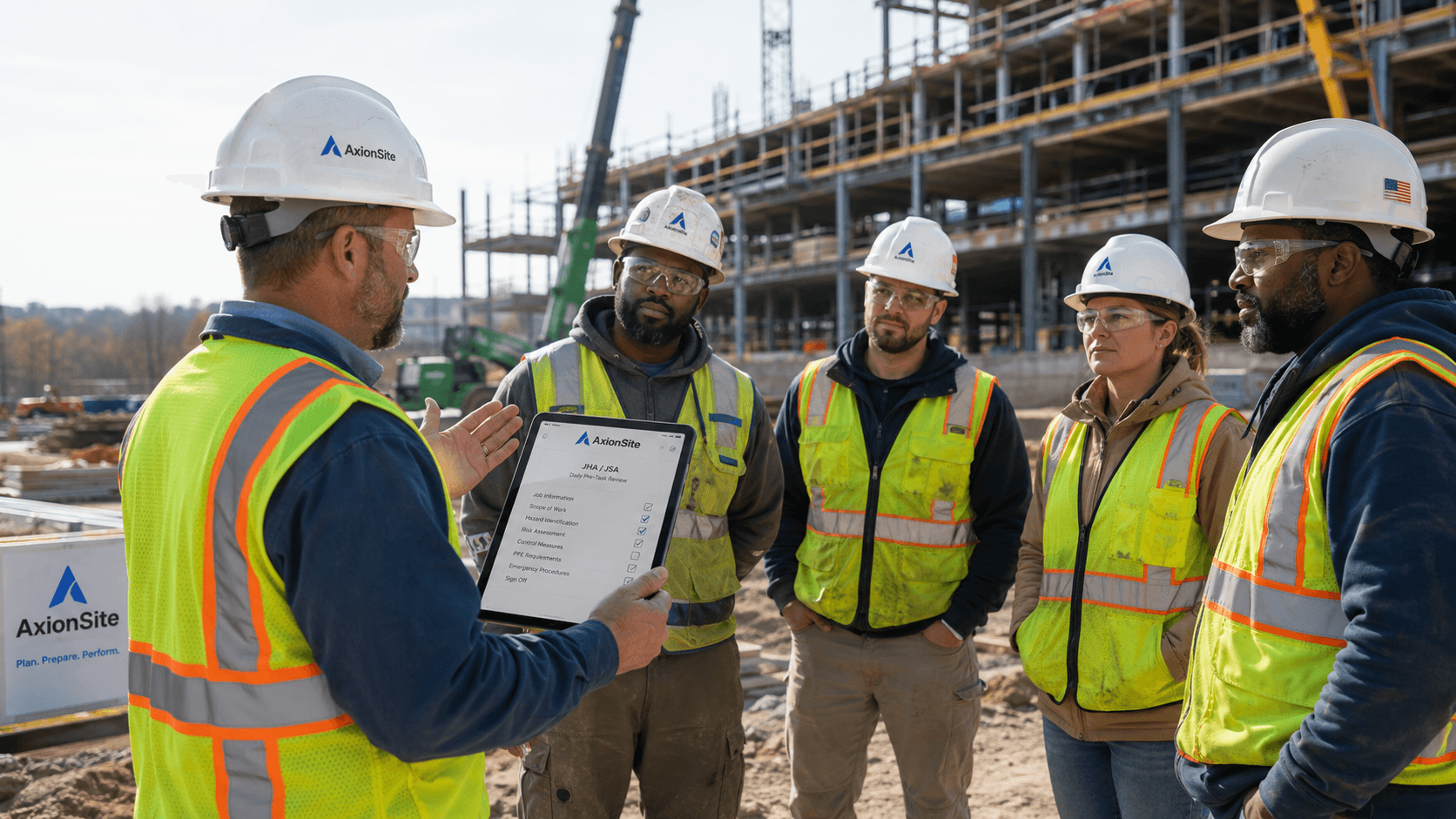
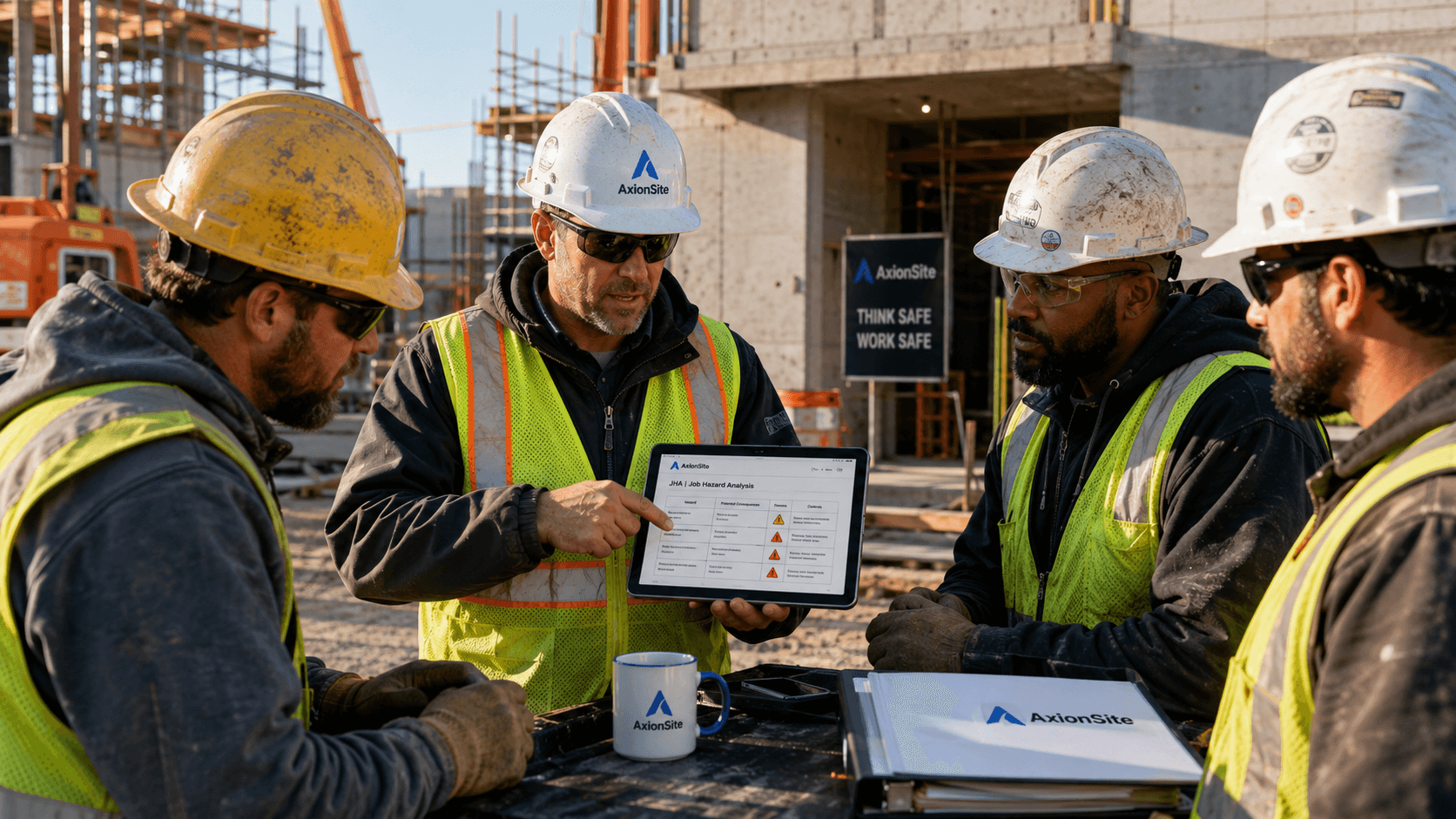
From job hazard analysis drafting to toolbox talk briefings and documented crew acknowledgement — built for supervisors, safety leads, and field crews who need a simple JSA software workflow without extra complexity.
Enter job details and generate an OSHA-aligned draft for competent review, edit, and save.
Turn the saved JHA/JSA into a five-minute crew briefing with questions and PPE reminders.
Share a QR link so workers can review the pack and submit acknowledgement from their phone.
See recent packs, QR links, worker acknowledgements, and status in one place.
Download an audit-ready PDF of the JHA/JSA, toolbox talk, and acknowledgement record.
Keep creation, edits, toolbox talk generation, acknowledgements, reviews, and exports together.
Latest guides & articles
OSHA JHA/JSA deep dives for United States GCs and subs — scroll through the newest articles or open the full library.

Connect JHAs/JSAs to daily toolbox talks and crew acknowledgement in 2026 — QR sign-off, version control, and audit trails US GCs and insurers expect.
Read article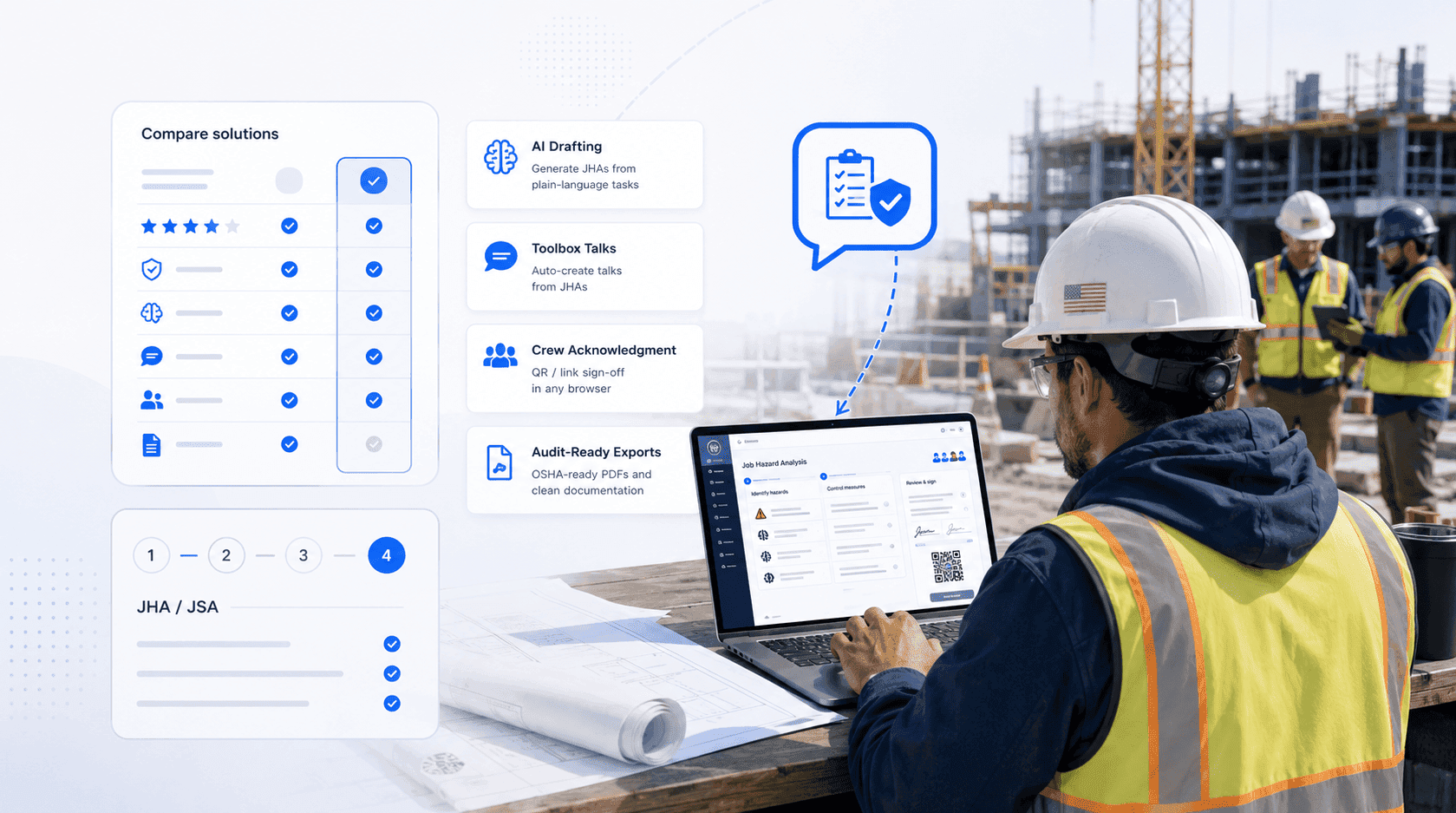
OSHA JHA/JSA expectations for US construction in 2026 — 1926.21(b)(2), the General Duty Clause, PPE hazard assessment, federal EM 385 jobs, and audit-ready documentation.
Read article
Step-by-step guide to writing a construction JHA/JSA in 2026 — task breakdown, hazard identification, hierarchy of controls, toolbox talks, and crew sign-off.
Read article
Compare the top job hazard analysis (JHA/JSA) tools for US construction in 2026 — AI drafting, toolbox talks, crew acknowledgement, and OSHA-ready exports.
Read articleSwipe to browse latest guides