
AI JHA/JSA generator
Plain-English job intake → structured job hazard analysis or job safety analysis with hazard flags, state overlays (Cal/OSHA, NYC, EM 385), and competent-person review notes.
US construction safety software
AxionSite for US teams connects job hazard analysis drafting, supervisor approval, toolbox talks, QR crew acknowledgement, PDF export, and audit evidence — built for the jobsite, not just the back office.
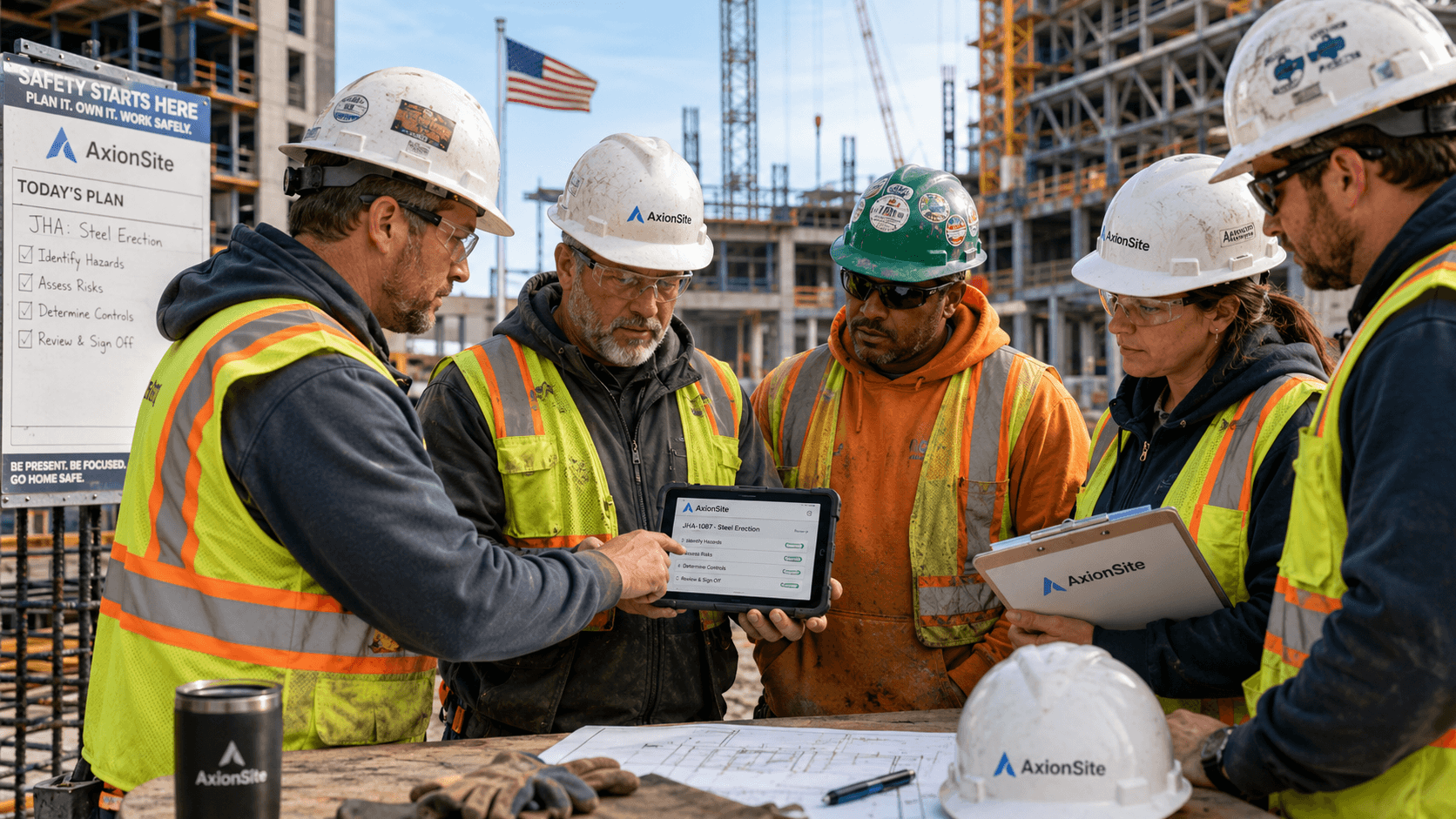
Pre-task JHA/JSA review, toolbox talks, and QR acknowledgement — the way US supers and safety leads actually run the job.
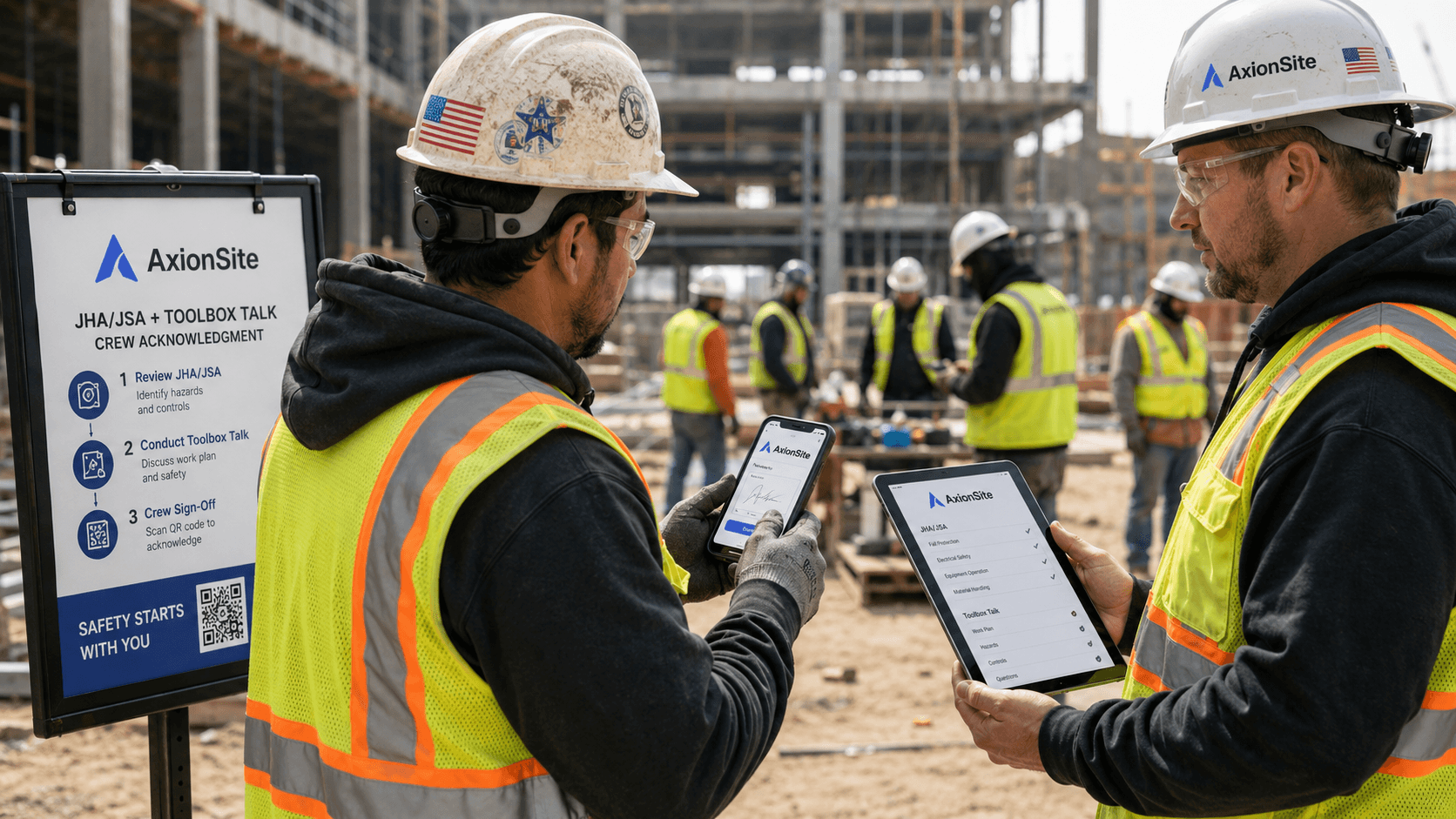
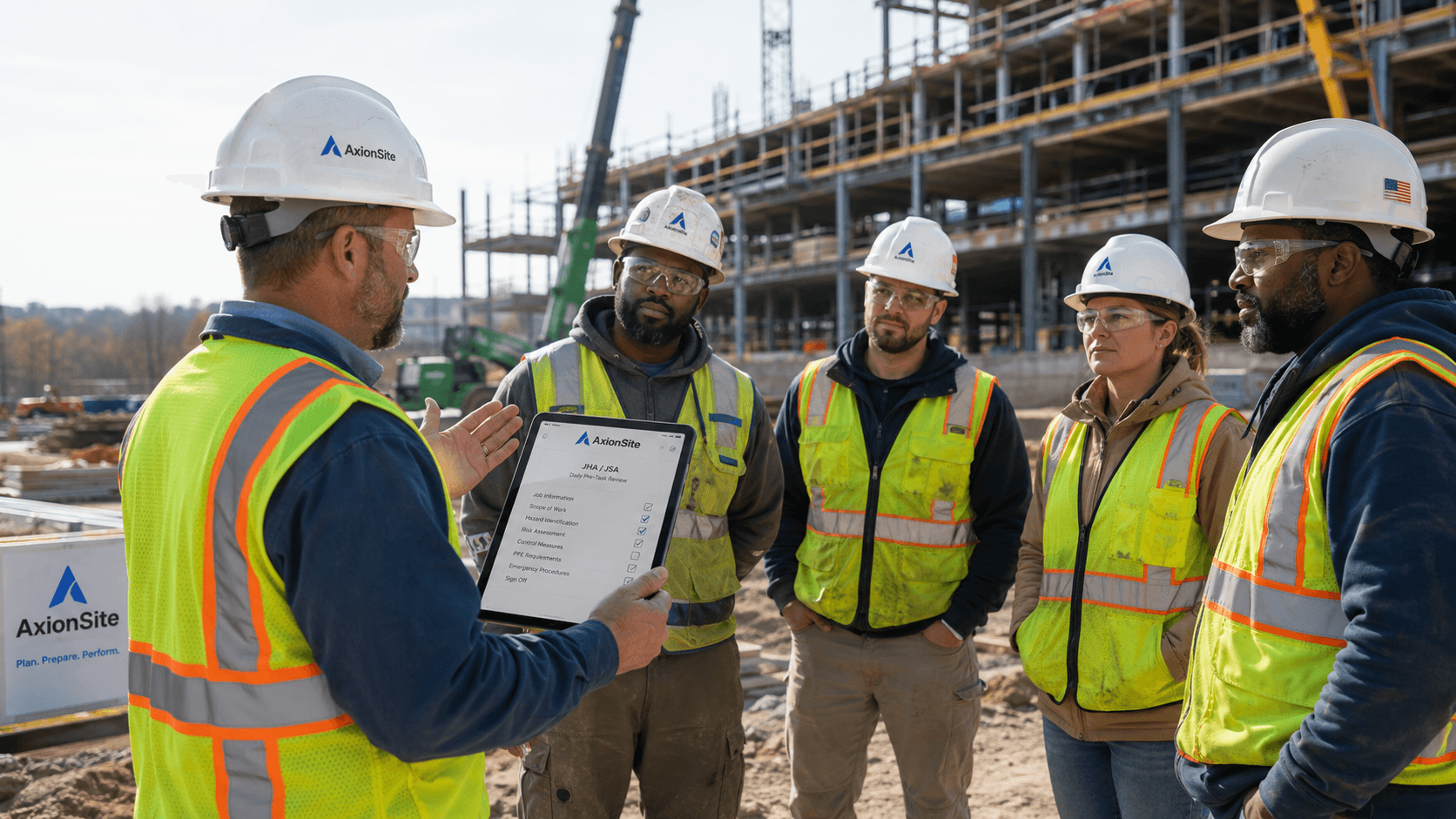
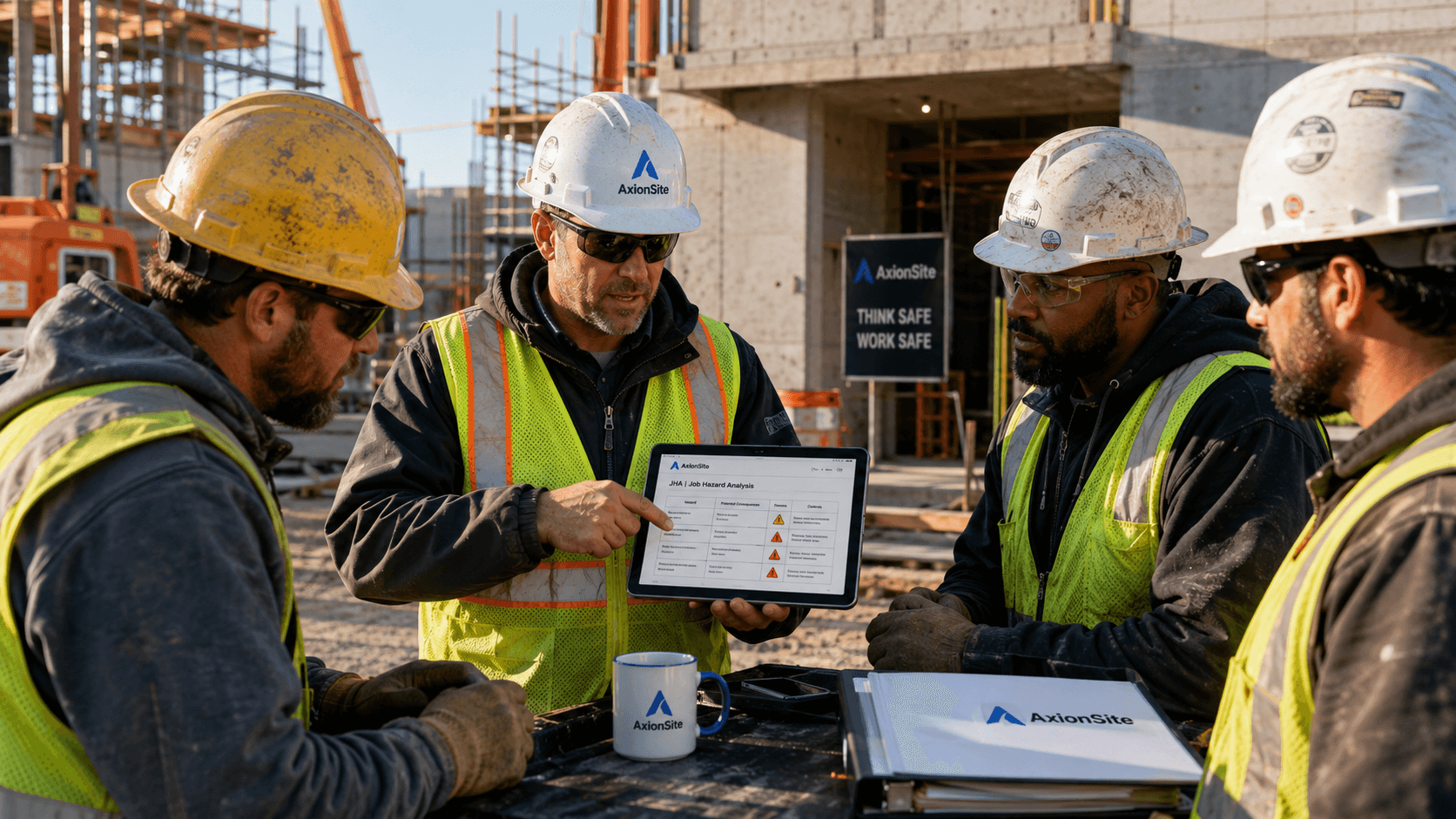
One pack in the register — not scattered PDFs, texts, and paper sign-in sheets. Supervisor approval and crew acknowledgement stay separate, the way OSHA-minded GCs expect.
Enter trade, task, jobsite, state, equipment, hazard flags, and crew context. Pro workspaces can pull from saved tasks and project folders.
AxionSite generates job steps, hazards, controls, PPE, pre-start checks, and state-plan references — structured for OSHA 3071-style review.
Edit the draft, run the advisory compliance check, then record supervisor or competent person approval with name, role, and signature before field use. Automated checks do not replace human sign-off.
Auto-generate a tailgate-ready briefing with summary, hazards, controls, PPE reminders, and discussion questions tied to the saved JHA/JSA.
Open the crew acknowledgement roster to mint a link, print a QR poster, or share by email or SMS. Workers review and sign on their phone — no login.
See who acknowledged in real time on the register and roster modal. Every create, edit, approval, export, and crew sign-off is logged for audits.
Starter and Pro plans include the full pack workflow. Pro adds project folders, task library, and team seats for multi-jobsite GCs.
Plain-English job intake → structured job hazard analysis or job safety analysis with hazard flags, state overlays (Cal/OSHA, NYC, EM 385), and competent-person review notes.
Record who approved the pack for field use — separate from crew acknowledgement. Matches how US supers and safety leads actually gate work.
Five-minute crew briefing from the same pack. Regenerate when the underlying JHA/JSA changes so the tailgate matches the document.
Live list of crew sign-offs, QR poster print, copy link, email/SMS share — adapted from our proven AU crew sign-on workflow for US field teams.
Search and filter packs by status, project folder, trade, and jobsite. Acknowledgement counts and audit sidebar at a glance.
Print-ready JHA/JSA and toolbox talk PDFs for binders, client submittals, and insurance requests. Exports logged in the audit trail.
Creation, AI generation, edits, competent-person approval, toolbox talk, QR link, crew acknowledgements, PDF exports — one timeline per pack.
Federal OSHA plus state-plan guidance, NYC SST/site safety overlays, Los Angeles, Chicago, and EM 385-1-1 federal construction mode.
Start a trial, create your first pack, approve it for field use, and share the crew acknowledgement QR with your next toolbox talk.