
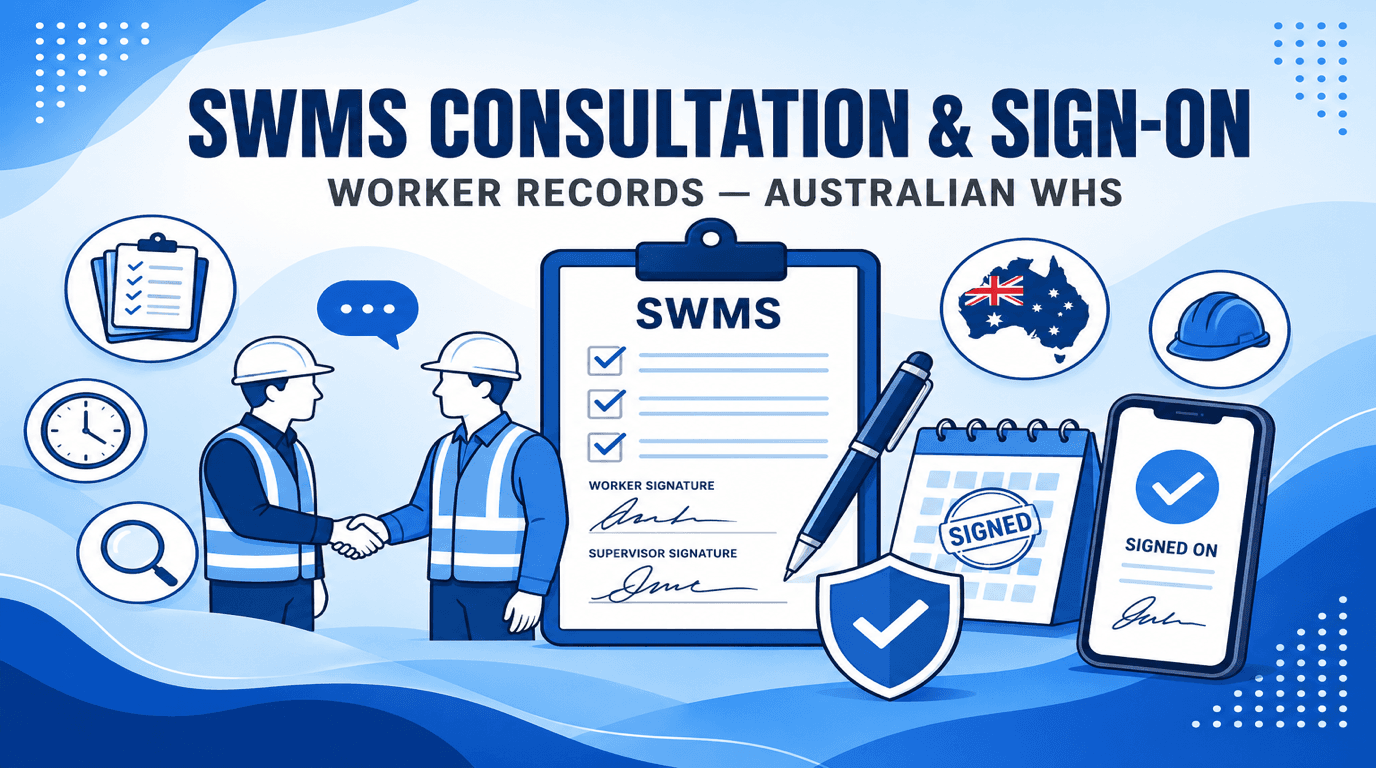
Digital SWMS Sign-On Without an App: QR Codes, Legal Evidence and Audit Trails
Paper SWMS sign-on sheets fail audits. How QR browser sign-on works in Australia, Electronic Transactions Act validity, re-sign-on after SWMS changes, and pre-start integration.
Quick answer: Under WHS Regulations, workers carrying out high-risk construction work must understand and follow the SWMS. Sign-on records prove consultation and acknowledgement — and regulators increasingly expect them to tie to the specific SWMS version in force on the day. QR code → mobile browser → acknowledge workflows (no app install) produce timestamped, legible evidence that paper sheets struggle to match, provided the process is fair, accessible and linked to version control.
This article covers legal context, why paper fails, digital best practice, re-sign-on after amendments, and integration with pre-starts.
Why sign-on matters legally
Safe Work Australia's SWMS information sheet and regulator guides (NSW, QLD, WA) consistently expect:
A sign-on sheet or digital equivalent is not explicitly mandated in every line of the regulations — but in investigations and prosecutions, "Did workers know the SWMS?" is central. Illegible signatures, missing names, and sheets detached from the SWMS version are recurring audit findings.
Reg 299(2)(b) also requires the SWMS to be readily accessible to workers — electronic access on phones satisfies this when reliable.
SWMS sign-on is not site induction
A QR SWMS sign-on records that the worker was given access to this high-risk work method. It is not:
Australian codes treat workplace-specific training and task-specific SWMS instruction as separate. You can — and often should — collect SWMS acknowledgements without blocking on an induction record in the same software. Couple the two only if you actually run site induction in that system and want a site-access gate.
Why paper sign-on fails in practice
| Paper problem | Investigation consequence |
|---|---|
| Illegible signatures | Cannot prove who acknowledged |
| Sign-on after incident | Suggests retrospective completion |
| Sheet attached to wrong SWMS version | Workers briefed on outdated controls |
| Lost or water-damaged pages | No evidence at all |
| Labour-hire / sub workers not on register | PCBU gap for each duty holder |
| No link to pre-start or toolbox talk | Weak consultation narrative |
Swipe to see all columns →
Digital sign-on: what good looks like
Effective digital sign-on in 2026:
When the SWMS is amended, prior sign-ons for that revision should be treated as superseded — workers must acknowledge the new version before continuing HRCW.
Integration with pre-starts and toolbox talks
The pre-start meeting is the natural moment for SWMS briefings. Safe Work Australia and industry guidance treat daily pre-starts as part of ongoing consultation, not a one-time sign-on at project start.
Best practice:
Subcontractor and labour-hire workers
Each PCBU has duties to its workers. Principal contractors often require all persons on site to sign onto relevant SWMS. Digital links can be shared with subcontractor crews via SMS — each worker acknowledges under their own name, with company/trade captured.
Privacy and fairness
Workers must be able to access the SWMS in a language they understand (diagrams help). If digital sign-on excludes workers without smartphones, provide supervised kiosk or assisted acknowledgement — do not create a two-tier system where only some workers have provable records.
What courts and inspectors look for in sign-on evidence
Prosecution summaries and SafeWork inspection reports consistently ask:
Digital systems that log version ID + timestamp + worker identity answer these questions in seconds. Paper systems often cannot — especially after weather damage, site moves, or labour-hire turnover.
Electronic signatures in Australia
Under the Electronic Transactions Act 1999 (Cth) section 10, a transaction is not invalid because it is electronic. For SWMS sign-on:
This is distinct from qualified electronic signatures used in some legal instruments — SWMS acknowledgement is an operational compliance record, not a deed.
Re-sign-on triggers (minimum)
| Event | Action |
|---|---|
| New SWMS version issued | All affected workers re-acknowledge |
| Scope change (design, method, plant) | Review SWMS → re-sign if revised |
| New workers on existing HRCW | Sign-on before starting |
| Near miss / incident revealing control gap | Review → revise → re-brief → re-sign |
| Subcontractor crew change | Each worker signs; do not accept foreman's signature for all |
Swipe to see all columns →
FAQ
Is sign-on legally mandatory? Not always named in every regulation line — but consultation, information to workers, and work in accordance with SWMS are mandatory. Sign-on is the evidence regulators expect.
Can one QR code work for the whole project? Best practice: QR links to the current approved version in a register — static PDF QR codes go stale when SWMS updates.
What about workers with no smartphone? Provide shared site tablet, supervisor-assisted sign-on, or printed SWMS with wet signature scanned into the same register — avoid excluding workers from the record.
AxionSite: sign-on that tradies actually use
AxionSite built QR Worker Sign-Ons for how Australian sites really work — scan, read, sign, back to work:
Principal contractors see exactly which crews signed which version in Contractor Compliance and the Workforce Register — before the inspector asks.
See also: SWMS consultation & worker sign-on records.
Sources
Ready to automate your WHS compliance?
Watch the short walkthrough on our AxionSite product page—the same flow from site details through SWMS generation, sign-off, PDF export, and crew sign-on—then start your trial when you’re ready.