
The End of Manual JHA & JSA Writing
Type one sentence. Our safety engine drafts full, site-specific Job Hazard Analyses (JHA) and Job Safety Analyses (JSA) for United States construction crews in 10 seconds. Get your crew signed on via QR in the field.
Stop Burning Cash on Safety Paperwork
Contractors waste thousands of administrative hours typing out generic templates that crews just pencil-whip. Toggle the sliders below to calculate your true savings.
Your Operational Inputs
Annual Safety Savings
From Plain English to Crew Sign-On
No complex forms, no rigid templates, and absolutely no training required. Here is how simple safety compliance becomes.
Describe what your crew is doing in plain language
Forget typing long spreadsheets on a truck tailgate. Just enter a quick description of the task at hand. Our safety engine interprets task variables and builds a job hazard analysis tailored for United States construction sites and federal or state-level OSHA compliance.
Generated JHA Draft
- Soil inspection and mud sill placement
- Erecting scaffold frames and cross-bracing
- Installing full planking and guardrail systems
- Final inspection before crew access
- Unstable foundation causing scaffold collapse
- Falls from heights during frame erection
- Falling objects hitting workers on the ground
- Place solid mud sills on compacted soil; use screw jacks (OSHA 1926.451(c))
- 100% tie-off with dual-leg lanyards and harnesses above 6 ft (OSHA 1926.451(g))
- Install rigid toe boards, debris nets, and mark ground exclusion zones
Designated "Competent Person" reviews and signs off
United States OSHA standards require a designated competent person on-site to inspect conditions and verify safety controls before work begins. With AxionSite, your superintendent or safety lead reviews the draft, ensures it meets federal or state OSHA guidelines (like Cal/OSHA or WA DOSH), makes edits, and signs off.
- Locks JHA into a compliant, tamper-proof legal document
- Instantly generates a matching, five-minute Toolbox Talk
Steel Framing Scaffold Setup
"I have inspected the excavation ground conditions, confirmed scaffold base plate placement, and verified dual lanyard harness tie-offs before erecting overhead frames."
Field crew scans the QR code to review & sign off
Erase clipboard friction across US jobsites. Display the secure QR code on a tablet or print it as a poster. Workers scan with their phones, review the JHA and matching Toolbox Talk, input their details, and submit their acknowledgment. Satisfy 29 CFR 1926.21 safety training records instantly.
- Works fully offline with automatic background sync
- Allows workers to immediately download their safety pack PDF
Live Sign-On Feed
Clean, Powerful, and Field-Tested
AxionSite replaces chaotic clipboard files and missing signature logs with a clean, centralized workspace that looks as good as it operates.
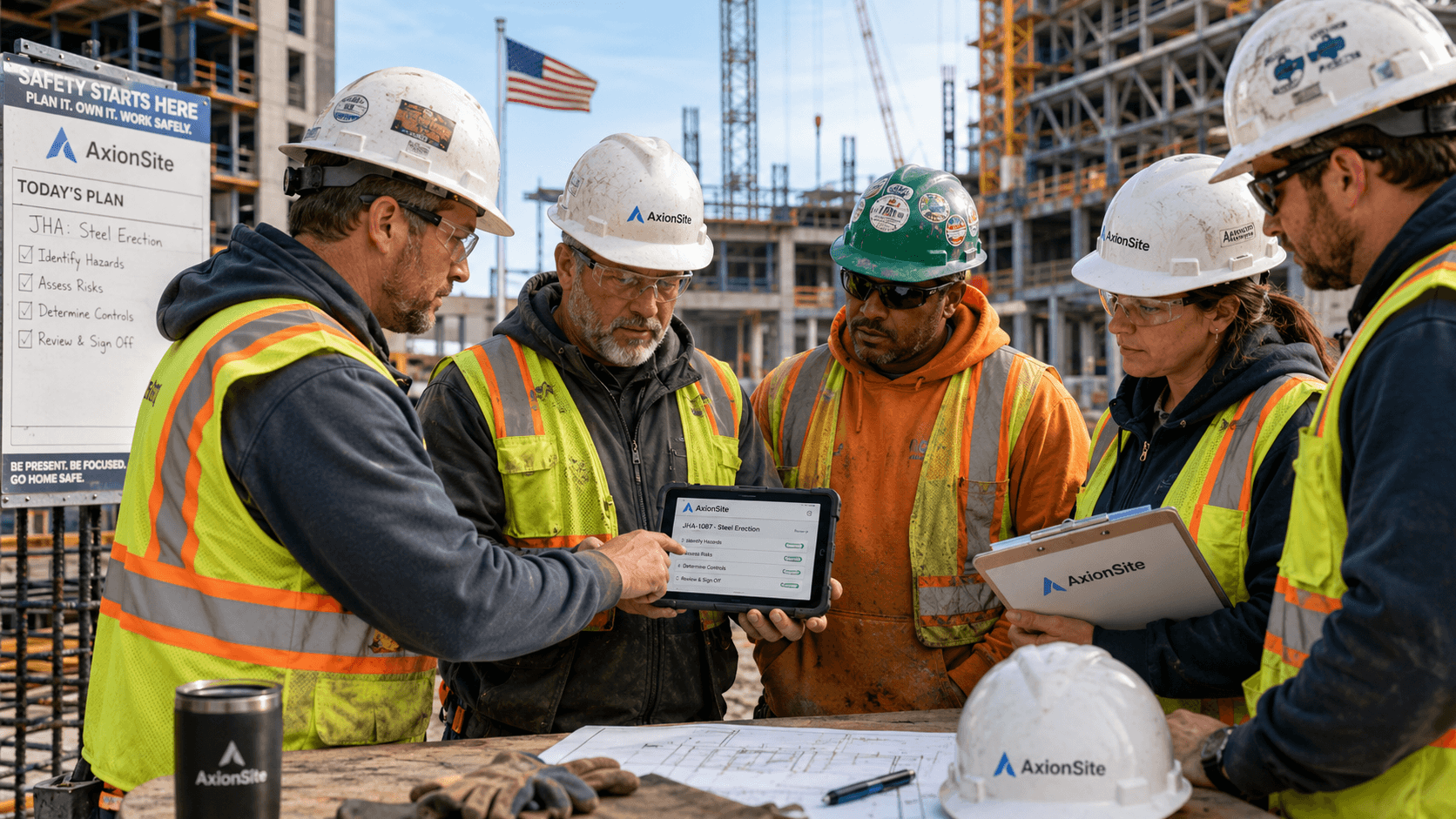
1. Prompt & Generate
Describe activities in natural text and instantly construct OSHA-aligned drafts.
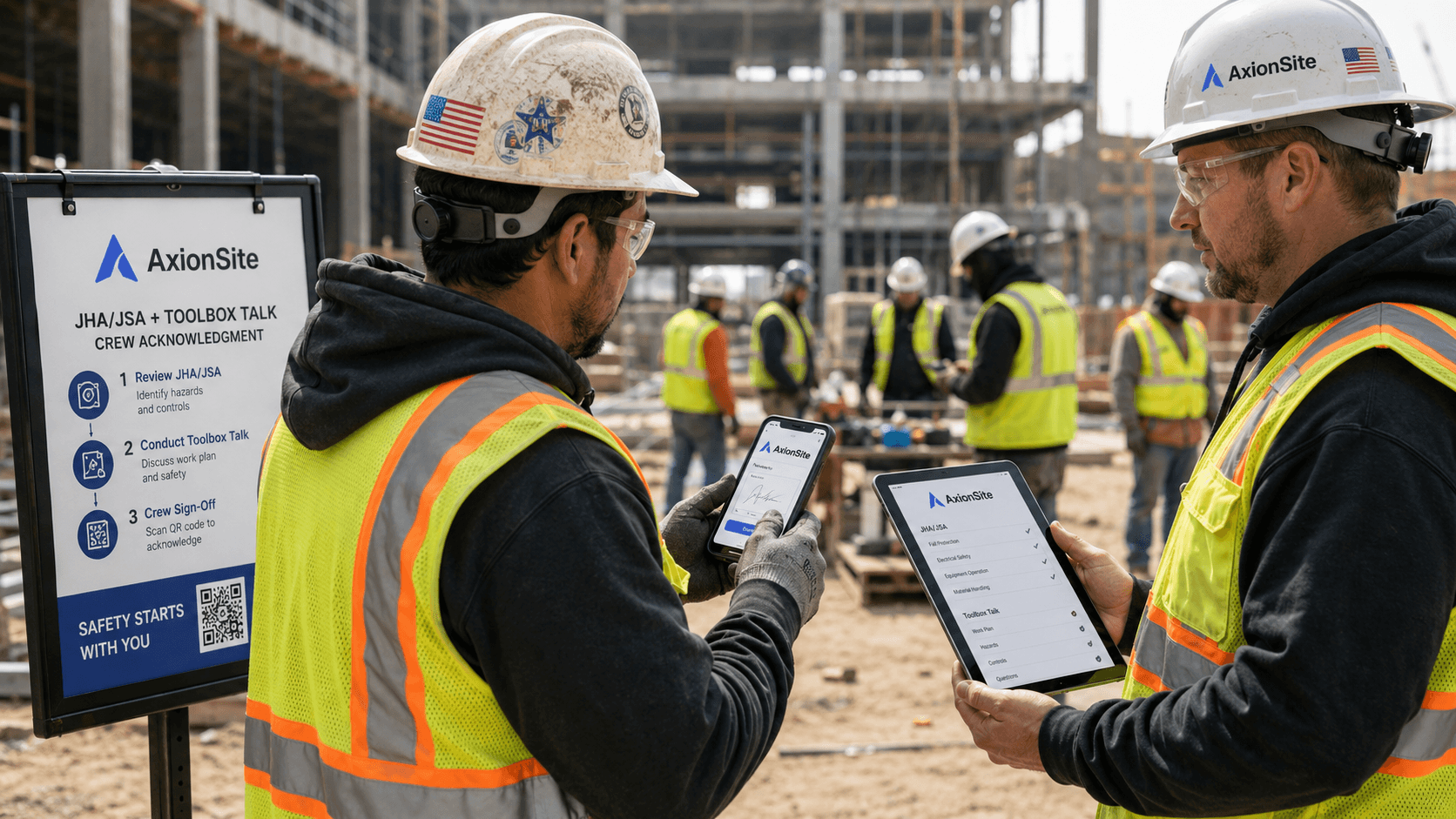
2. Verify Compliance
Refine hazard controls, verify federal/state subparts, and review task scopes.
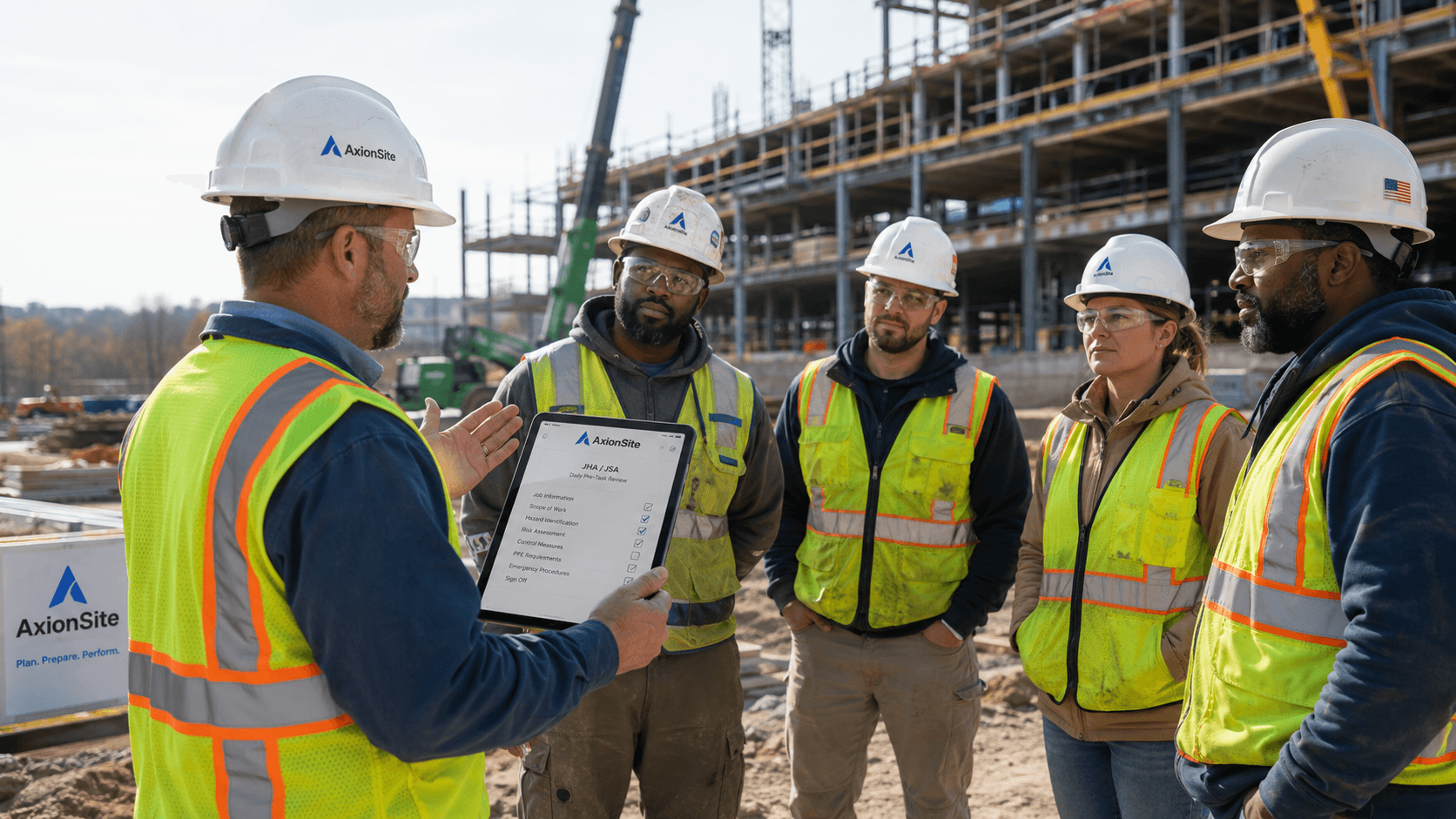
3. Mobile Roster
Generate secure QR access links and track live crew sign-on feeds.
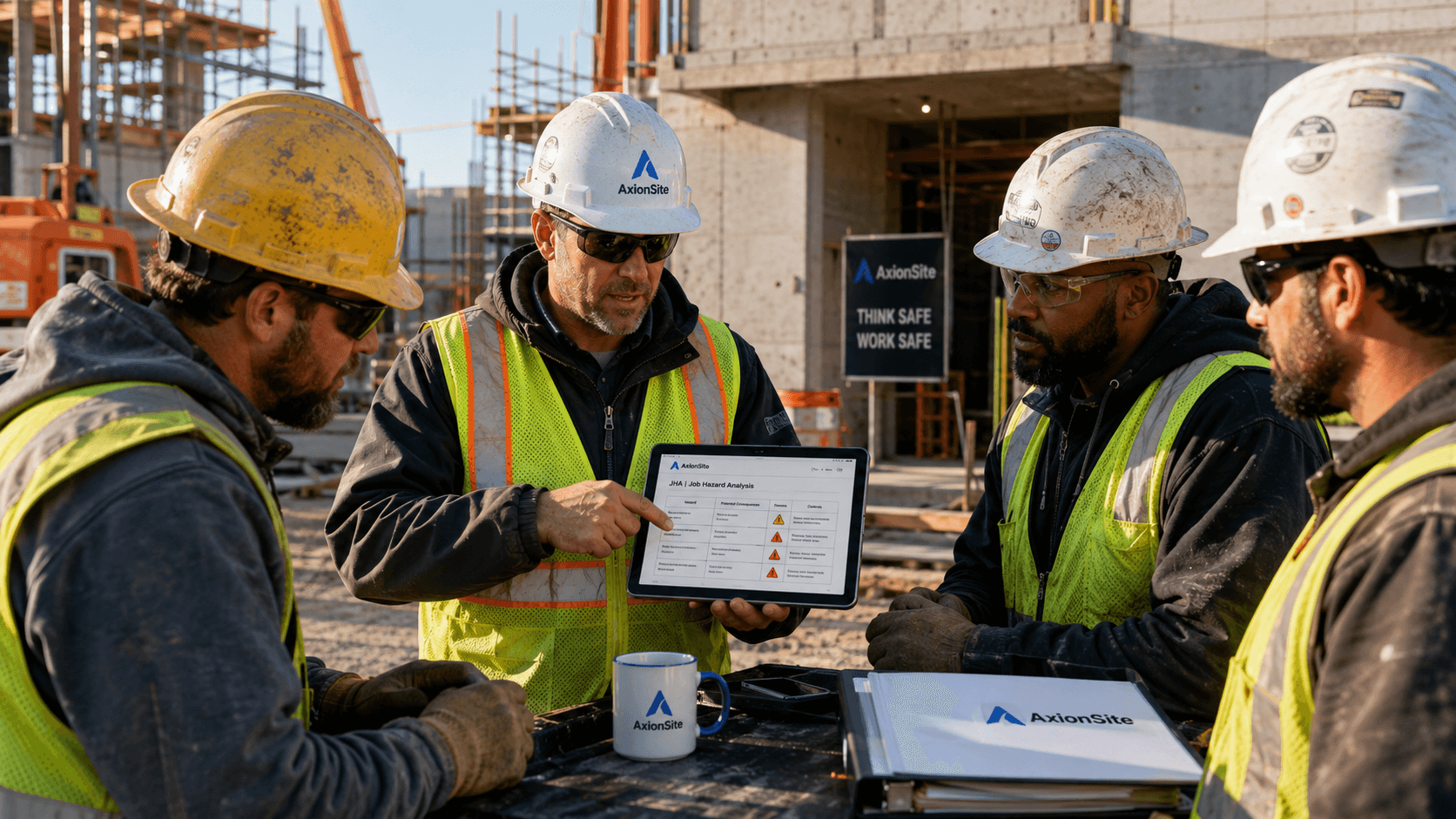
4. Registry Dashboard
Audit trails, downloaded safe work PDFs, and team sign-ons kept together.
Everything Safety Directors Demand
AxionSite is packed with commercial safety features built specifically for the risk environment of US commercial and civil builders.
Localized US Safety Standards
Generate safety packs that conform to your exact jurisdiction. Support for federal OSHA 1926 standards, Cal/OSHA (Title 8), WA L&I (Chapter 296), and specialized regional state rules. No generic boilerplates.
Tailored Toolbox Talks
Every generated JHA automatically builds a matching five-minute Toolbox Talk, providing discussion questions, crew reminders, and checklists that align exactly with the daily work plan.
Field-Proof Offline Sync
No signal? No problem. The QR sign-on screen operates locally, saving signatures offline and syncing to your central dashboard automatically once worker connectivity returns.
Audit-Ready Safety Registry
Keep every revision, safety talk, and signed roster archived in a secure cloud registry. Instantly download a clean, professionally formatted safety pack PDF with digital validation verification seals. Perfect for surprise OSHA checks and GC submittals.
Frequently Asked Questions
Got questions about OSHA standards, crew sign-ons, or our pricing plans? We have answers.
The Best Safety Program is the One the Field Actually Uses
Unlock unlimited OSHA-compliant JHA/JSAs, matching Toolbox Talks, single-tap QR crew sign-ons, and a comprehensive audit registry. Start saving over 10+ hours per week today.